Best Appointment Reminder Software for Small Business
Find the best appointment reminder software for small business needs, with tips on features, setup, and what actually reduces no-shows.
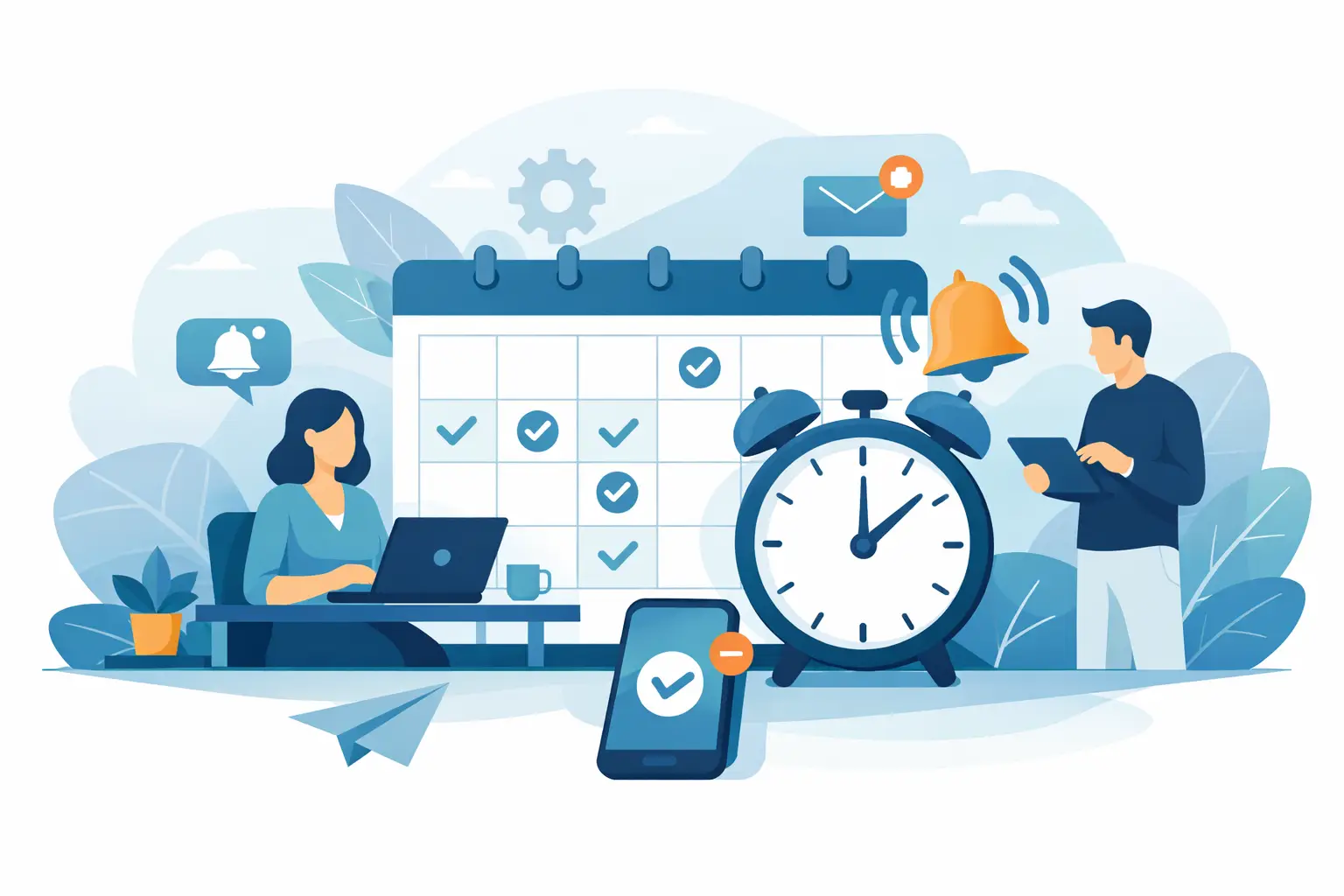
A missed appointment is rarely just one missed appointment. For a photographer, it can mean a dead slot in the calendar, a lost deposit, and extra back-and-forth trying to reschedule. For other service businesses, it often means wasted payroll time, uneven days, and revenue that never gets recovered. That is why appointment reminder software for small business matters so much - not as a nice extra, but as part of how you protect your schedule.
The right system does more than send a text the day before. It helps you create a booking process that feels organized from the start, sets client expectations early, and cuts down on manual follow-up. If you run a small business, especially one where you are the owner, scheduler, and service provider all at once, that time savings adds up fast.
What small businesses actually need from reminder software
Most small businesses do not need a giant platform with sales pipelines, team dashboards, and layers of configuration just to remind clients about an appointment. They need software that works quickly, looks professional, and fits the way appointments are actually booked.
For photographers, that usually means reminders need to support a booking flow rather than live in isolation. A client books a mini session, portrait shoot, or consultation. They receive confirmation right away. They may need to pay a deposit. Then they get reminders at the right times so the appointment stays top of mind. If the reminder tool is separate from the booking tool, things get messy fast.
That same pattern shows up in salons, wellness businesses, consultants, tutors, and other appointment-based services. The reminder itself matters, but the bigger win is reducing friction across the whole process.
Why appointment reminder software for small business pays off
The first benefit is obvious: fewer no-shows. But that is only part of the return.
A good reminder system also reduces the admin load that comes with every appointment. Instead of manually texting clients, checking who paid, or chasing confirmation, the software handles the routine communication for you. That gives you time back without making your client experience feel cold or automated.
It also makes your business look more polished. Clients notice when the booking confirmation is clear, the reminder arrives on time, and the payment request is built into the process. That kind of consistency builds trust, especially for businesses where clients book infrequently and may not remember your scheduling details.
There is also a revenue angle that gets overlooked. Reminder software works best when it supports deposits or prepayments. If a client has already committed financially and receives well-timed reminders, the odds of a missed appointment drop even further. That combination matters more than reminders alone.
The features that matter most
When evaluating appointment reminder software for small business, start with the basics. Can it send automated reminders by text and email? Can you control timing? Can it trigger reminders based on the appointment type? These are the features that affect daily operations.
After that, the most useful features are usually tied to the booking experience itself. Online scheduling, deposit collection, confirmation messages, intake forms, and rescheduling options all support the same goal: fewer missed appointments and less manual work.
This is where many small businesses get pulled toward software that sounds powerful but creates more setup work than it solves. If the system takes weeks to configure or forces you into a heavy CRM workflow, it may be the wrong fit. A solo photographer or small studio often gets better results from software that covers booking, payments, and reminders in one focused setup.
Customization matters too, but only to a point. You should be able to adjust reminder timing and message tone so it matches your brand. What you probably do not need is endless automation logic. Small businesses usually benefit more from clarity than complexity.
Text vs email reminders
For most small businesses, text reminders get seen faster. If your clients are booking personal services, a text usually has the best chance of catching attention in time. Email still has value, especially for confirmation details, receipts, preparation notes, or longer instructions.
In practice, the strongest setup often uses both. Email can handle the full appointment details at booking, while text can act as the quick nudge closer to the appointment. That said, it depends on your audience. A high-volume service business may lean heavily on SMS. A photographer with a more consultative process may want a mix of email confirmations and shorter text reminders.
What matters most is not choosing the fanciest channel. It is choosing the one your clients actually read.
Timing is not one-size-fits-all
A common mistake is sending every reminder on the same schedule, regardless of service type. That can work for some businesses, but many small businesses have different appointment rhythms.
A same-week family photo session may need a confirmation at booking, a reminder 48 hours before, and a final reminder the morning of. A consultation booked three weeks out may need an earlier reminder first, then a closer one later. If you book longer lead-time services, one reminder is rarely enough. If you book same-day or next-day appointments, too many reminders can feel excessive.
This is why flexibility matters. Good software should let you tailor reminder timing to your services instead of making every appointment follow the same pattern.
How to choose without overbuying
There is a simple way to evaluate reminder software. Start with your current bottleneck.
If your main issue is no-shows, look closely at reminder timing, SMS delivery, and confirmation flow. If your issue is admin overload, prioritize automation and an easy setup. If your issue is inconsistent client experience, focus on how booking, deposits, and reminders work together.
Then ask how much of your process the tool actually supports. Standalone reminder software can work, but many small businesses end up stitching together separate tools for forms, scheduling, invoices, and follow-up. That often creates more moving parts than necessary.
For owner-operators, simpler is usually better. A focused system that helps clients book, pay, and receive reminders in one flow will often outperform a feature-heavy platform that takes more energy to manage. That is one reason businesses often prefer platforms like Revenue Studio - not because they want less capability, but because they want the right capability without extra drag.
Red flags to watch for
If a platform hides basic reminder functionality behind expensive tiers, pay attention. Small businesses should not have to upgrade into enterprise pricing just to automate standard client communication.
Also be careful with systems that are technically flexible but hard to maintain. If changing a reminder message requires digging through complicated workflows, the software may slow you down over time.
Another red flag is weak payment support. Reminders help, but reminders paired with deposits help more. If the software does not make it easy to collect commitment up front, it may solve only half the problem.
And finally, watch for software that treats reminders like an isolated feature. In real businesses, reminders are connected to scheduling, payments, and rescheduling. If those parts do not work well together, clients notice.
A better standard for small business scheduling
The best appointment reminder software for small business does not just reduce no-shows. It helps you run a cleaner operation. Clients book without confusion. Deposits get collected on time. Reminders go out automatically. Your calendar becomes more predictable, and your business feels more professional without adding extra layers of software.
That matters most for small teams and solo operators because every missed appointment carries more weight. You do not have a front desk team smoothing things over. You need tools that quietly handle the routine so you can stay focused on the work clients are actually paying for.
If you are comparing options, resist the urge to shop for the longest feature list. Look for a system that makes booking easier, reminders automatic, and payments part of the same flow. When those pieces work together, your schedule gets tighter, your client experience gets better, and your day gets a lot easier.
The best software is usually the one you can set up quickly, trust daily, and stop thinking about once it is doing its job.