9 Best Reminder Apps Freelancers Can Use
Looking for the best reminder apps freelancers can use? This guide compares practical options for client work, appointments, follow-ups, and tasks.
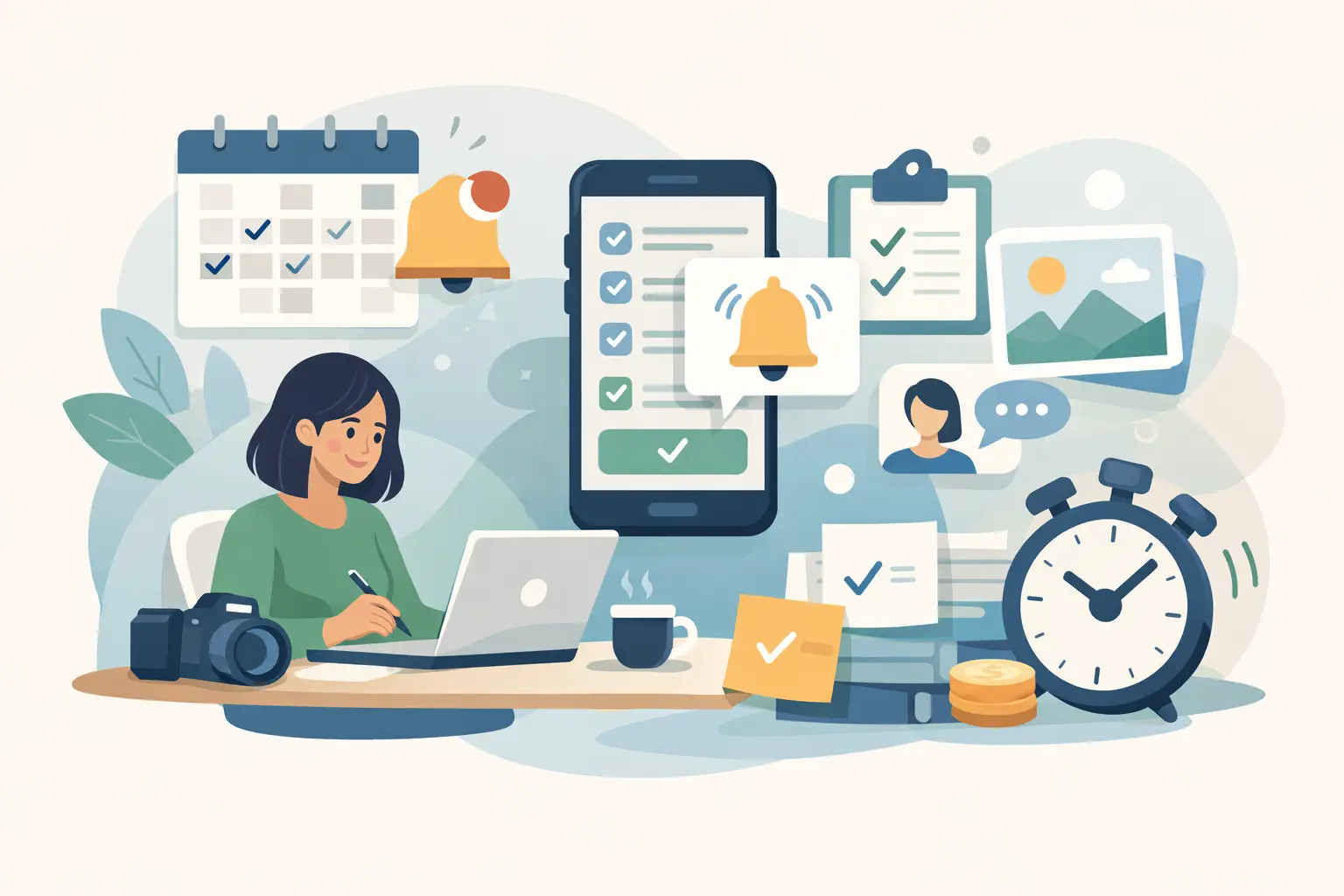
Miss one client follow-up, forget to send a session prep note, or fail to nudge a client before an appointment, and the cost is rarely small. For service-based freelancers, the best reminder apps freelancers use are not just about personal productivity. They help protect booked time, reduce no-shows, and keep client communication consistent without adding more admin.
That matters even more when your business runs on appointments and client experience. A reminder app that works well for a writer or developer may not be the right fit for a photographer, beauty pro, or wellness provider. Some tools are built for personal tasks. Others are better for time-sensitive client reminders. The difference is whether the app helps you remember things, or helps your clients show up prepared and on time.
What makes the best reminder apps for freelancers?
For appointment-based freelancers, a good reminder system needs to do more than pop up a phone alert. It should fit the way your business actually runs.
First, it has to be easy to trust. If setting reminders takes too many steps, you will stop using it consistently. Second, it should support the type of reminder you need. There is a real difference between reminding yourself to send invoices on Friday and reminding a client about tomorrow's appointment. Third, it should reduce friction, not create another place to manage scattered information.
That is why the best reminder apps freelancers choose usually fall into three categories: personal task managers, calendar-based reminder tools, and appointment systems with built-in client reminders. Each solves a different problem.
1. Apple Reminders
If you work mostly from an iPhone or Mac, Apple Reminders is still one of the simplest options for personal follow-ups. It is fast, built in, and good for low-friction reminders like checking deposits, sending mood board notes, or confirming that a gallery was delivered.
Its strength is speed. You can tell Siri to remind you about something in seconds, and location or time-based prompts are useful when your day moves between home, studio, and client locations.
The trade-off is that it is mainly for your own to-dos. It is not designed to send polished reminders to clients or support a full booking flow. If your main problem is self-organization, it works well. If your main problem is no-shows or manual client messaging, it will feel limited.
2. Google Tasks
Google Tasks is a practical fit for freelancers already living in Gmail and Google Calendar. It is lightweight, easy to use, and especially useful when client communication happens by email and you need quick reminders tied to messages.
For example, if a client asks to reschedule, send inspiration photos, or confirm details next week, Google Tasks keeps that follow-up close to your inbox. That alone can reduce dropped conversations.
Still, it is a basic tool. It works best for personal reminders and internal follow-ups, not for customer-facing appointment reminders. If you need automation around bookings, it will not cover that on its own.
3. Todoist
Todoist is a stronger option if your freelance work includes a lot of moving parts. It handles recurring reminders well, and the natural language input is genuinely useful. You can type something like "send prep checklist every Tuesday at 3 p.m." and move on.
This makes it a good fit for freelancers juggling repeat admin tasks, lead follow-ups, and project deadlines alongside client appointments. It gives more structure than a basic reminders app without becoming overly complex.
The catch is that Todoist is still task-first. It helps you remember to send the reminder, not necessarily send it automatically to the client. For many freelancers, that is enough. For appointment businesses with a high volume of bookings, it can still leave too much manual work in place.
4. Any.do
Any.do sits somewhere between personal planning and day-to-day business management. Its clean interface appeals to freelancers who want something simple but more polished than a built-in phone app.
The daily planning flow is useful if your work changes from day to day. If you balance editing, client calls, prep work, and appointments, it can help organize the day without feeling heavy.
Where it falls short is in specialized client reminder workflows. Like most task apps, it is centered on what you need to do, not what your client needs to receive. That distinction matters if reminder quality affects attendance and client experience.
5. Microsoft To Do
Microsoft To Do is a solid option for freelancers who already use Outlook and the Microsoft ecosystem. It is clean, dependable, and strong for straightforward reminders and recurring tasks.
If your business runs through Outlook email and calendar, it can be a natural fit. You can keep follow-ups, appointment prep, and admin reminders in one familiar environment.
But again, this is mainly an internal reminder tool. It is better for staying organized than for managing confirmed appointments with customer-facing communication.
6. Google Calendar reminders
Google Calendar is not just a calendar. For many freelancers, it acts as a basic reminder system for appointments, prep windows, travel time, and follow-up blocks. If you already schedule everything there, adding alerts is the fastest improvement you can make.
This works especially well for solo operators who need a clearer day, not a new software stack. Multiple reminders before an event can help you avoid running late or missing prep.
The limitation is obvious once your business grows. Calendar alerts help you show up. They do not always help the client show up. And when your income depends on booked time, that gap matters.
7. Notion
Notion can work as a reminder tool if you already use it as your business hub. Some freelancers build client pipelines, content calendars, shoot prep checklists, and recurring admin systems inside it.
That flexibility is the appeal. If your workflow is custom, Notion can support reminders in a way simpler apps cannot.
It is not the best choice for someone who wants quick setup and instant reliability. Notion is better for freelancers who enjoy building systems. If you are trying to reduce admin this week, it may be more tool than you need.
8. Slack reminders
This one is easy to overlook, but Slack reminders can be useful for freelancers working with assistants, contractors, or small teams. If part of your reminder workflow involves internal communication, Slack can handle quick nudges well.
You can set reminders for yourself or teammates without switching tools. That is helpful for things like checking client forms, confirming assets, or following up after a consultation.
Still, Slack is not a client reminder platform. It works best as a team prompt layer, not as the core system behind bookings and appointments.
9. Appointment platforms with built-in reminders
For appointment-based freelancers, this is often the category that makes the biggest difference. Instead of using one app to remember bookings, another to send messages, and another to collect payments, an appointment platform can handle the workflow in one place.
That changes the role of reminders. They stop being a personal memory aid and become part of the booking experience. A client books, pays a deposit, gets confirmation, and receives reminders automatically. That is better for the client and easier on your schedule.
This approach is especially useful when missed appointments cost real revenue or when manual reminder texts eat up too much time. For solo service businesses, the practical value is not just automation. It is consistency. Every client gets the same polished experience, even on busy weeks.
If your business depends on appointments, this is where general-purpose reminder apps often stop being enough. A platform like Revenue Studio makes more sense when reminders need to support bookings, deposits, and client communication together rather than as separate tasks.
How to choose the best reminder apps freelancers actually stick with
The right choice depends on what you are trying to fix.
If you forget internal tasks, use a personal reminder app. Apple Reminders, Google Tasks, Microsoft To Do, and Todoist all do that job well, with different levels of structure. If your challenge is organizing a busy workweek, Any.do, Notion, or Google Calendar may be enough.
But if reminders are tied directly to revenue, client attendance, and booking quality, a task app will only solve part of the problem. In that case, the better question is not which reminder app is best. It is whether you need a reminder tool or a booking workflow that includes reminders by default.
That distinction saves a lot of freelancers from piling tool on top of tool. A simple stack is usually the better stack, as long as it handles the moments that matter most.
Best reminder apps freelancers should avoid overcomplicating
There is a temptation to build a perfect system with separate apps for tasks, notes, calendar alerts, text reminders, and client messages. It looks organized until it becomes one more thing to maintain.
Most freelancers do better with one app for personal reminders and one client-facing system for appointments. That setup is easier to manage, easier to trust, and more likely to get used consistently.
If a reminder app helps you remember your own tasks, it is doing its job. If you need clients to confirm, prepare, pay, and show up on time, you probably need something built for that workflow.
A good reminder should feel like one less thing to think about. That is usually the clearest sign you picked the right tool.