Replace Spreadsheets for Appointments
Replace spreadsheets for appointments with a simpler system for booking, deposits, and reminders that cuts admin and protects your time.
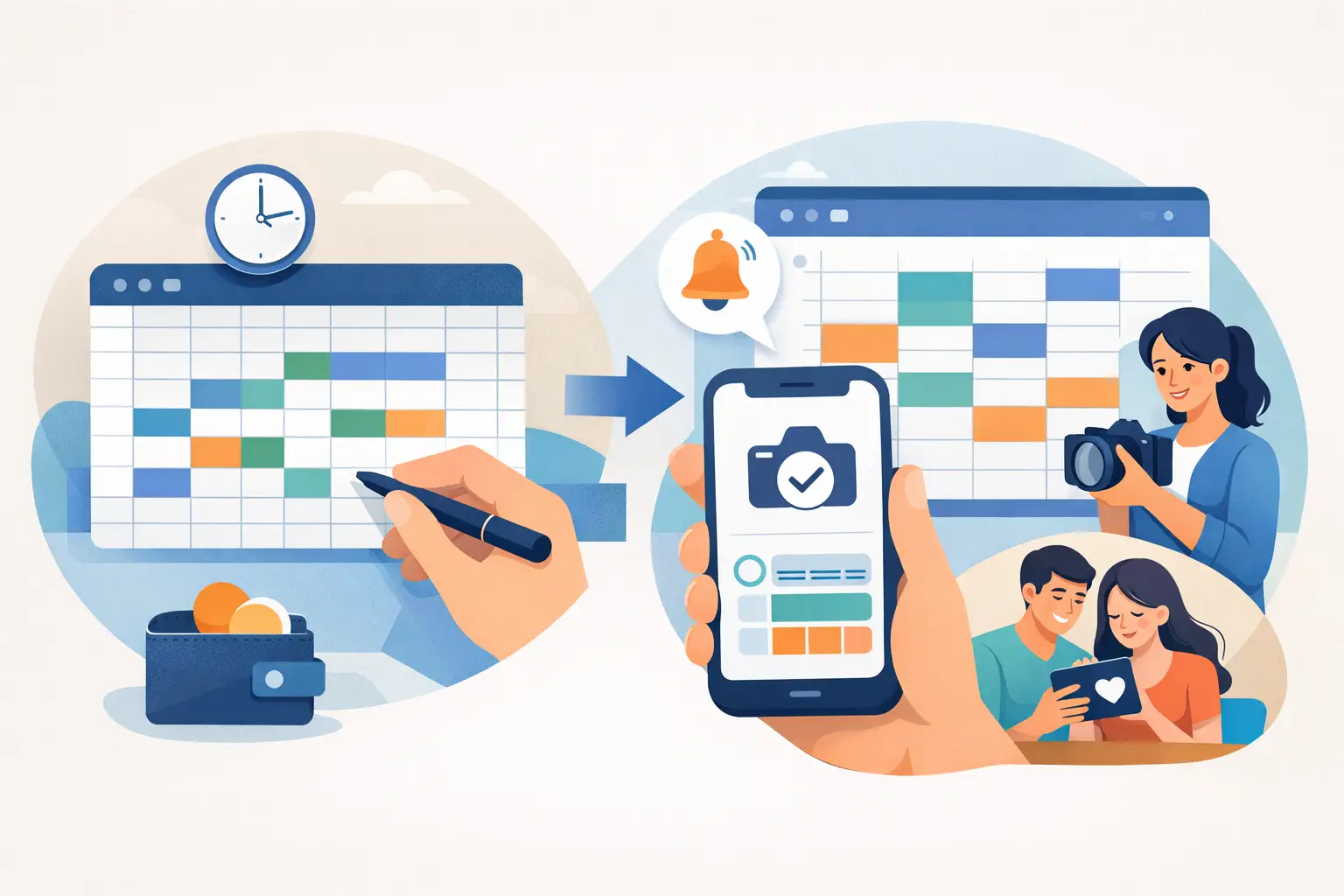
If your booking process still lives in a spreadsheet, you probably feel the friction before your clients do. A new inquiry comes in, you check availability in one tab, copy details into another, send a payment message separately, and hope you remember to follow up. That is usually the point where business owners start looking to replace spreadsheets for appointments - not because spreadsheets are bad, but because the work around them keeps growing.
For service businesses that sell time, that extra admin has a cost. It slows down booking, creates room for mistakes, and makes the client experience feel less polished than the service you actually deliver. If you are a photographer managing session dates, a beauty or wellness professional protecting premium time slots, or a small team juggling repeat clients, the issue is not organization alone. It is whether your system helps people book and pay with confidence.
Why spreadsheets stop working for appointments
Spreadsheets are useful when you need a flexible place to track information. They are less useful when that information has to move. Appointments change, clients reschedule, deposits need to be collected, reminders need to go out, and availability has to stay accurate. The moment your spreadsheet becomes part calendar, part client tracker, part payment log, and part memory aid, it starts asking too much of you.
The biggest problem is not the sheet itself. It is everything that sits outside it. A spreadsheet cannot confirm a booking on its own. It cannot collect a deposit at the moment of commitment. It cannot send a reminder before the appointment unless you create a separate manual process. So even if the spreadsheet looks tidy, the workflow behind it is usually held together by messages, sticky notes, inbox flags, and good intentions.
That setup can work when volume is low. It becomes harder when you are booking multiple appointments a week, offering different services, or trying to reduce no-shows without chasing clients one by one.
What to use to replace spreadsheets for appointments
The better replacement is not a bigger system. Most solo operators and small teams do not need a full business platform with layers of features they will never touch. They need a booking workflow that handles the moments spreadsheets cannot handle well.
That usually means four things working together. Clients need a clear way to choose a service and request or book a time. You need a simple way to collect deposits upfront when that makes sense for your business. Reminders should happen automatically, not when you remember at the end of the day. And the whole experience should feel consistent from first inquiry to confirmed appointment.
This is where a dedicated appointment workflow starts to earn its place. Instead of using a spreadsheet as the center of operations, you move to a system designed around booking behavior. That sounds like a small shift, but it changes how quickly interest becomes a confirmed appointment.
The real benefits of replacing spreadsheets
The first benefit is speed. When clients can move from interest to booking without waiting for a manual reply, you remove unnecessary delay. That matters more than many businesses realize. A lot of appointments are not lost because the service was wrong. They are lost because booking felt slow or uncertain.
The second benefit is better protection for your schedule. If you require deposits for certain appointment types, collecting them as part of the booking flow is much stronger than sending a separate payment request later. People are more likely to complete a booking when everything happens in one sequence. You also avoid holding time slots for clients who are not fully committed.
The third benefit is fewer avoidable no-shows. Reminders are simple, but they work best when they are built into the process instead of added manually. If reminders depend on you remembering to send them, they will be inconsistent during busy weeks. Automation does not replace personal service. It supports it.
Then there is presentation. A polished booking flow makes a small business look more established, even if it is just you behind the scenes. Clients notice when booking feels clear and organized. They also notice when details are scattered across emails and text messages.
Signs your spreadsheet is already costing you bookings
Some businesses stay with spreadsheets because the problems feel manageable. That is fair. Not every business needs to change immediately. But there are a few signs that your current setup is creating more drag than it should.
If clients regularly ask basic questions about availability, next steps, or payment, your process may be too manual. If you are copying the same appointment details into several places, you are increasing the chance of error. If deposits are optional in practice because collecting them is awkward, you are leaving your schedule exposed. And if reminders only go out when you have time, your system is depending too heavily on your memory.
Another sign is when you feel busy without feeling booked. Admin can create that illusion. You spend hours coordinating appointments, but not enough of that time actually moves revenue forward.
How to switch without creating a mess
The good news is that replacing spreadsheets does not need to be a dramatic overhaul. In most cases, the cleanest move is to start with your most common appointment flow and rebuild that first.
Look at how a client books with you today. Where do they inquire? When do they choose a time? At what point do you ask for a deposit? How do confirmations and reminders get sent? Once you map that path, the weak spots usually stand out quickly.
From there, keep the transition focused. Start with the services or appointment types that create the most admin or carry the most risk when someone cancels late. That might be premium sessions, longer appointments, or anything that blocks valuable time on your calendar. You do not need to rebuild every edge case on day one.
It also helps to decide what your spreadsheet should stop doing. Some businesses try to keep the spreadsheet as a backup system while also adopting a booking platform, and that often creates duplicate work. A cleaner approach is to let the new system own the booking, deposit, and reminder flow, then retire the sheet from those jobs.
What matters most when choosing a replacement
Simplicity matters more than feature count. If setup feels heavy, most small businesses will delay it or use only half of it. The right tool should make booking easier for both you and your clients, not introduce a new layer of admin.
Client experience should be high on the list too. A lot of appointment businesses have worked hard to refine their service, but booking still feels patched together. That gap matters. The first impression is not only your website or portfolio. It is also how someone reserves time with you.
You should also think carefully about deposits. Not every appointment needs one, and not every client relationship requires the same level of protection. But if missed appointments or last-minute cancellations affect your income, a system that supports deposits naturally is far more useful than one that treats payment as an afterthought.
Reminders are another non-negotiable for many businesses. They are one of the simplest ways to reduce no-shows, especially when clients book days or weeks in advance. The key is consistency. Built-in reminders are valuable because they happen whether you are busy or not.
This is the space Revenue Studio is built for: appointment-based businesses that want a polished booking flow, upfront deposits, and automated reminders without taking on a complex platform they do not need.
Replace spreadsheets for appointments without overcomplicating things
The best systems remove steps, not add them. If you are trying to replace spreadsheets for appointments, the goal is not to adopt more software for the sake of it. The goal is to create a booking process that protects your time, feels professional to clients, and takes less manual effort to run.
For some businesses, that change happens when bookings start slipping through the cracks. For others, it happens when no-shows become too expensive to ignore. Sometimes it is simply the moment you realize your spreadsheet is doing the job of three different tools and none of them especially well.
A spreadsheet can still be useful for planning, tracking, or reporting. It just should not be the thing holding together your booking process. When appointments are how you earn, the path from inquiry to confirmed booking needs to be clearer than that.
A better system does not make your business less personal. It gives you more room to be personal where it actually counts.