How to Accept Online Payments for Bookings
Learn how to accept online payments for bookings with less friction, fewer no-shows, and a more polished client experience from first click.
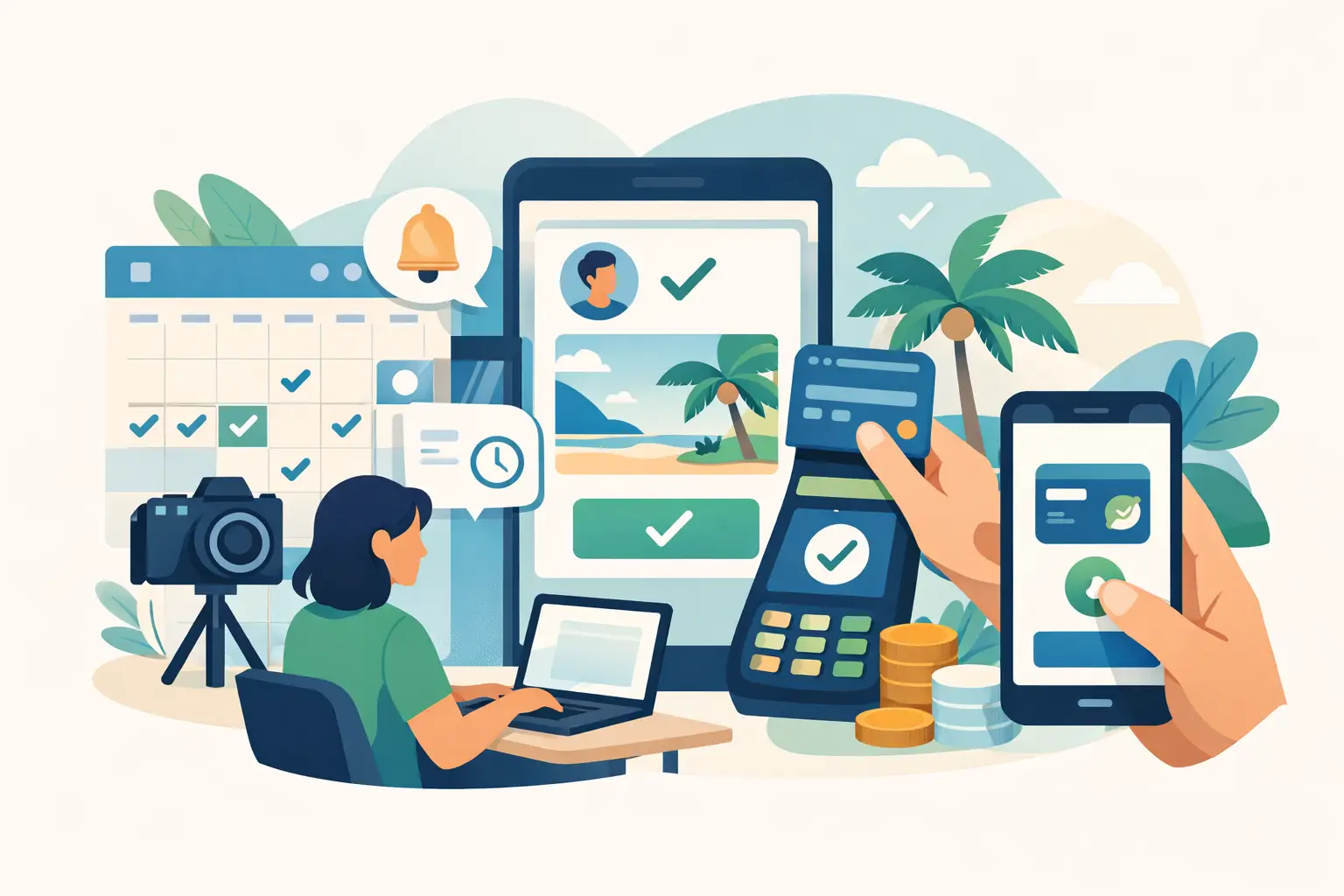
A client is ready to book, picks a time, then disappears when you ask them to send payment separately. That gap is where good bookings get lost. If you want to accept online payments for bookings, the goal is not just getting paid online. It is making the path from interest to confirmed appointment feel simple, fast, and professional.
For photographers, salons, spas, and other appointment-based businesses, payment is part of the booking experience. When it is handled well, you protect your time, reduce back-and-forth, and give clients a clearer next step. When it is handled poorly, you end up chasing deposits, holding unconfirmed slots, and dealing with more no-shows than you should.
Why accept online payments for bookings matters
Time-based businesses do not just sell a service. They sell availability. Once a prime afternoon slot is gone, you cannot sell it twice. That is why online payment matters so much in booking workflows. It helps turn interest into commitment.
There is also a client expectation piece. People are used to paying online when they reserve something important. If your process requires messages, manual invoices, or a separate payment step after booking, some clients will follow through, but others will stall. Not because they are bad clients, but because friction changes behavior.
Online payments also create cleaner boundaries. A deposit or upfront payment signals that the appointment is real. That tends to reduce tentative bookings and last-minute drop-off. It will not eliminate cancellations completely, but it usually improves the quality of your calendar.
What a good booking payment flow looks like
The best systems feel simple from the client side. A person chooses a service, picks a time, enters their details, pays the required amount, and receives confirmation. That is it. No waiting for a follow-up message. No wondering whether the appointment is actually locked in.
From the business side, a strong flow does a few things at once. It clearly explains the service, shows the price or deposit requirement, collects payment at the right moment, and sends confirmation and reminders automatically. Each step removes uncertainty.
This is where many businesses make things harder than they need to be. They may have a booking form in one place, payment in another, and reminders handled manually by text. It can work, but it creates gaps. Every extra handoff gives a client one more chance to stop.
Full payment vs deposit at booking
When you set up online payments, one of the first decisions is whether to charge the full amount or collect a deposit. There is no single right answer. It depends on your service, pricing, and how much risk sits in an empty appointment slot.
Full payment usually makes sense when the service is simple, fixed-price, and easy for the client to understand upfront. It gives you stronger commitment and fewer billing steps later. It can also speed up check-in because the payment part is already done.
Deposits are often better when the total may vary, the appointment is high-value, or clients are more comfortable committing with a smaller amount first. For many service businesses, deposits strike the right balance. You protect your schedule without making the booking feel too heavy.
The key is consistency. If your policy changes from client to client, it creates confusion and more admin. A clear standard is easier to explain and easier to trust.
How to set up online booking payments without adding complexity
If you want to accept online payments for bookings without creating more work for yourself, keep the setup focused on the essentials. Start with the actual client journey rather than the software checklist.
First, decide what makes a booking confirmed. Is it a paid deposit? Is it full prepayment? Is it only confirmed after payment goes through? This sounds obvious, but many small businesses leave this vague and then end up holding unpaid appointments.
Next, look at your services one by one. A mini session, a haircut appointment, and a premium treatment may not need the same payment rule. You do not need dozens of variations, but you should group services in a way that reflects real booking behavior.
Then make sure the payment request appears inside the booking flow, not after it. If clients can submit a request and pay later, some will. That can leave your schedule full of maybes. Bringing payment into the actual booking moment creates a cleaner commitment point.
After that, automate the follow-up that should happen every time. Clients should receive confirmation right away, then reminders closer to the appointment. This matters because payment alone does not prevent missed appointments. Reminders still do a lot of work.
Finally, review the experience on your phone. Many clients book from mobile, and small points of friction stand out more there. If the form feels too long, the payment step feels unclear, or the total appears late in the process, you will feel it quickly.
Common mistakes when businesses accept online payments for bookings
One common mistake is asking for too much information before the client can reserve the appointment. If someone is booking a straightforward service, you probably do not need a long intake form before they pay. Keep the path short, then collect extra details only if they truly help delivery.
Another issue is weak pricing communication. If the client sees one number on the service page and another during payment, trust drops fast. The same goes for deposits. If a deposit is required, say so early and explain whether it applies to the final total.
Some businesses also rely too heavily on manual confirmation. If a client pays online but still has to wait to hear back before they know the appointment is real, the experience feels unfinished. There are cases where approval is necessary, but for most standard services, instant confirmation is stronger.
And then there is the reminder gap. A paid booking is better than an unpaid one, but people still forget appointments. Without reminders, you are leaving part of the system incomplete.
What clients care about during the payment step
Clients are usually asking a simple set of questions, even if they do not say them out loud. Is this easy? Is this clear? Is this business legitimate? Do I know what happens next?
That is why polish matters. Not flashy design for its own sake, but a booking flow that feels consistent and thought-through. The service description should match the payment request. The amount should make sense. The confirmation should arrive quickly and tell them what to expect.
For service businesses, payment is part of trust. A messy process can make a good business feel disorganized. A clean one can make a small business feel established and reliable.
Choosing a tool to accept online payments for bookings
The best tool is usually not the one with the longest feature list. It is the one that supports the way your business actually books clients. For appointment-based businesses, that usually means combining booking, payment, and reminders in one flow so you are not piecing together separate systems.
You should also think about what you want to avoid. If you do not need a full business management system, a lightweight platform can be the better fit. Simpler setup often means you launch faster, train your team less, and keep the client experience cleaner.
Revenue Studio is built around that practical middle ground - helping service businesses create polished booking pages, collect deposits upfront, and automate reminders without adding unnecessary overhead.
That said, the right setup still depends on your model. A solo photographer booking custom sessions may need slightly more flexibility in service configuration. A small team with repeat appointments may care more about speed and consistency. The important part is choosing a system that supports paid bookings from the start, not as an afterthought.
A better payment flow creates better bookings
When you accept online payments for bookings, you are not just adding a checkout step. You are setting the standard for how clients commit to your time. The right setup reduces hesitation, protects your calendar, and makes the entire booking experience feel more complete.
That does not require a complicated stack or a major rebuild. Most of the improvement comes from tightening the path: clear service, clear price, payment at the right moment, immediate confirmation, and reminders that keep the appointment on track.
If your current process still depends on separate messages, manual payment requests, or hope, that is usually the first thing to fix. A smoother booking flow does more than help you get paid. It helps the right clients follow through.