CRM vs Booking Tool: Which Fits Your Business?
CRM vs booking tool: see which option helps service businesses confirm appointments, collect deposits, send reminders, and spend less time on follow-up.
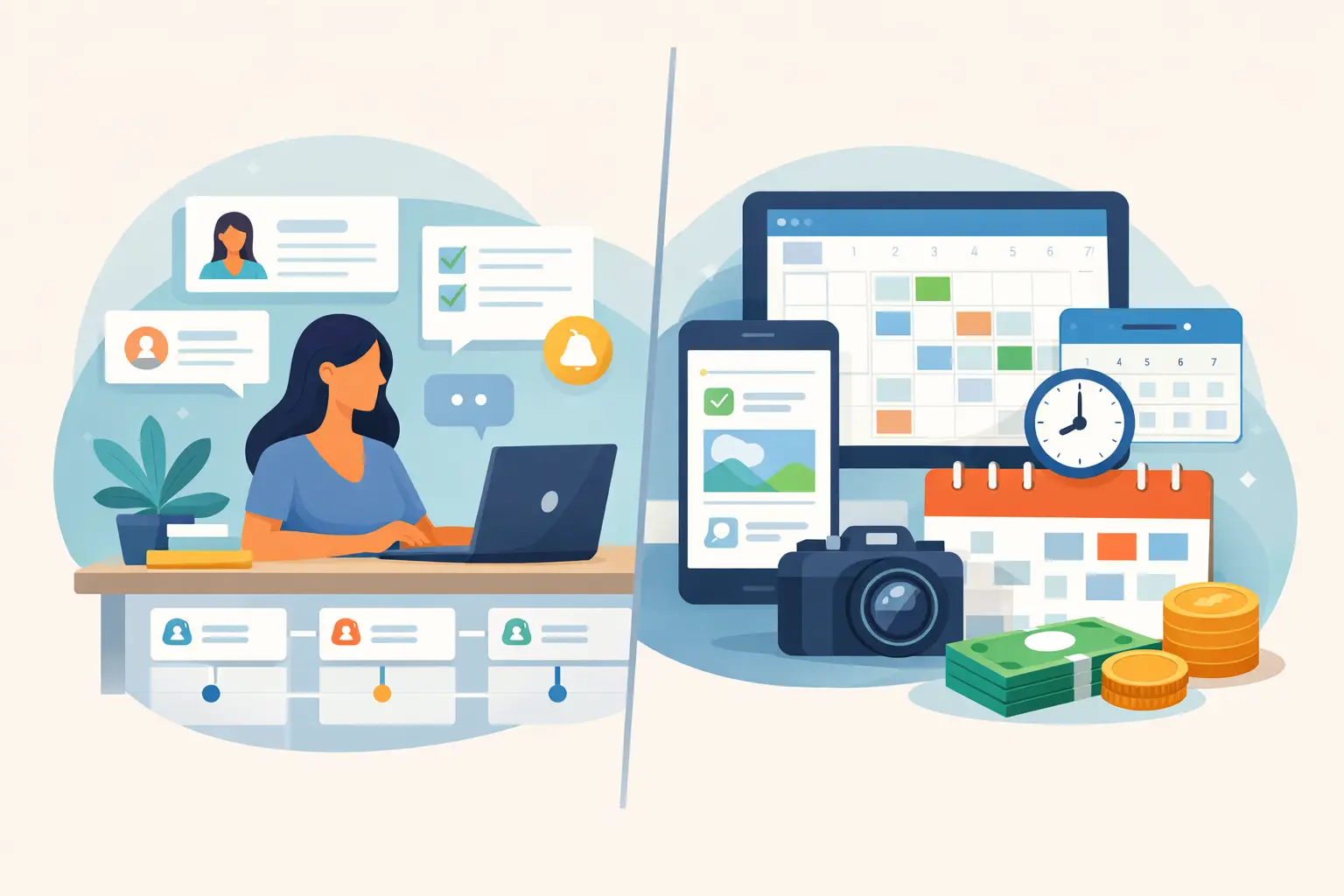
A client asks about availability, then goes quiet. Another wants to book but needs a reminder to pay a deposit. A third confirms by text, leaving you to update your records manually. For appointment-based businesses, the CRM vs booking tool question is really about this: what will turn interest into a confirmed, paid appointment with the least extra work?
Both tools can be useful. But they solve different problems. A CRM is built to help you manage client information and ongoing relationships. A booking tool is built to help clients choose an appointment, pay a deposit, and receive the information they need to show up.
If your biggest challenge is getting clients from inquiry to confirmed booking, choosing the simpler tool can make a meaningful difference.
CRM vs Booking Tool: The Core Difference
A CRM, or customer relationship management system, stores and organizes details about your clients and leads. It can help you track conversations, notes, services, stages of a sale, and follow-up tasks. That can be valuable when your client journey involves several conversations, proposals, approvals, or a long decision period.
A booking tool has a narrower job. It gives clients a clear path to select an available time, provide key details, pay a deposit when required, and receive confirmation and reminders. Instead of asking you to build a process around the software, it focuses on the moments that protect your time and make booking feel easy for the client.
The distinction matters because more capability is not always more useful. If you run a photography business, beauty practice, wellness service, or another appointment-led business, your client may not need a lengthy sales process. They may simply need a polished way to commit to a time slot.
What a CRM Does Well
A CRM earns its place when relationship management is the work itself. If you have many leads in progress, custom packages, multiple decision-makers, or repeat work that requires detailed records, it can give you a clearer view of each client relationship.
For example, a photographer handling commercial projects may need to record discovery calls, proposal versions, project requirements, and a series of follow-ups before dates are discussed. In that situation, a CRM can keep a complex sales process organized.
CRMs can also be helpful when several people need visibility into the same client history. Notes from a call, preferences from a prior visit, and the status of an open conversation can all live in one place.
The trade-off is setup and upkeep. A CRM works best when someone consistently updates records, creates processes, and maintains the information inside it. For a solo provider already managing clients, delivering services, and handling payments, that can become another job rather than a relief.
A CRM can also add unnecessary steps to a straightforward booking. If a client is ready to book a session, asking them to wait for manual follow-up, an intake sequence, and a separate payment request creates opportunities for the booking to fade away.
What a Booking Tool Does Well
A booking tool is designed for a more immediate outcome: a client reserves time on your schedule and has a clear next step. The best experience feels simple from both sides. You set your services, availability, booking rules, and deposit requirements. Your client sees a professional booking flow without needing a long email exchange.
Deposits are a major part of that workflow. When clients pay upfront, they have made a real commitment to the appointment. You have more protection for time that cannot easily be refilled at the last minute. This is especially useful for premium sessions, limited openings, and appointments that require preparation.
Automated reminders solve another common problem. Clients are busy, and even well-intentioned people forget dates and times. A timely reminder can reduce missed appointments without forcing you to send individual messages every day.
For a small team, the practical benefit is consistency. Every client receives the same clear confirmation, payment step, and reminder process. The business looks organized, while the people running it spend less time chasing details.
Choose Based on the Friction You Have Now
The right choice is less about the label on the software and more about where your process breaks down.
If you regularly lose track of long-running leads, need detailed notes from every interaction, or coordinate a high-touch sales process before a client can commit, a CRM may be the better starting point. It is designed to support the relationship before the appointment is ready to happen.
If clients are already asking to book, but confirmations depend on back-and-forth messages, manual payment requests, and personal reminders, a booking tool is likely the better fit. It removes friction at the point where interest should become revenue.
Many service businesses do not need to choose one category forever. A business can begin with a booking tool because the immediate need is reducing no-shows and collecting deposits. Later, if its sales process becomes more complex, it may add more relationship-management support. Starting with the problem you need to solve now is usually more practical than adopting a larger system for a future you may not have yet.
Signs a Booking Tool Is the Better First Move
A booking tool is often the more useful option when your business has predictable appointment types and a relatively clear path to purchase. The client selects a service, chooses a time, and confirms their spot. Your priority is making that process fast, polished, and dependable.
It may be the right first move if you are spending too much time replying to availability questions, following up for deposits, confirming appointments one by one, or sending reminders manually. Those tasks seem small in isolation, but they add up quickly across a week.
It also fits businesses that want to protect limited availability. When a client can book and pay a deposit in one flow, your schedule becomes more intentional. You are not holding valuable time slots based on vague interest or unanswered messages.
Revenue Studio is designed around that practical workflow: booking pages, deposits, reminders, and client communication in one focused system. It is for businesses that want a professional client experience without turning appointment management into a complicated admin project.
Signs You May Need More Than a Booking Tool
A booking tool is not meant to replace every kind of client management. If every new job begins with a custom scope, several rounds of discussion, or a tailored proposal, booking may be the final step rather than the first one.
You may also need additional tools when client history must be deeply documented across a long period, or when your team has a detailed process for managing opportunities before they are ready to choose a date. In those cases, the booking flow should still be easy, but it may sit within a broader operating process.
The key is not to force a simple appointment into a complicated system. Use a CRM when you truly need to manage relationships in detail. Use a booking tool when you need clients to commit clearly and quickly.
A Better Client Experience Usually Feels Shorter
From the client’s perspective, the best booking experience does not feel like software. It feels like confidence. They can see what is available, understand what they are booking, pay what is required, and know what happens next.
That clarity helps your business, too. Fewer loose ends mean fewer messages to chase, fewer misunderstandings about deposits, and fewer appointments that disappear from the schedule without notice. It also gives you more space to focus on the service clients are actually paying for.
Before choosing a platform, map out your current path from inquiry to appointment. Notice where clients hesitate, where you repeat yourself, and where money is left uncollected. The best tool is the one that removes those specific points of friction and lets a ready client book with confidence.