How to Automate Session Confirmation Emails
Learn how to automate session confirmation emails to cut admin, confirm deposits, reduce no-shows, and give clients a polished booking experience.
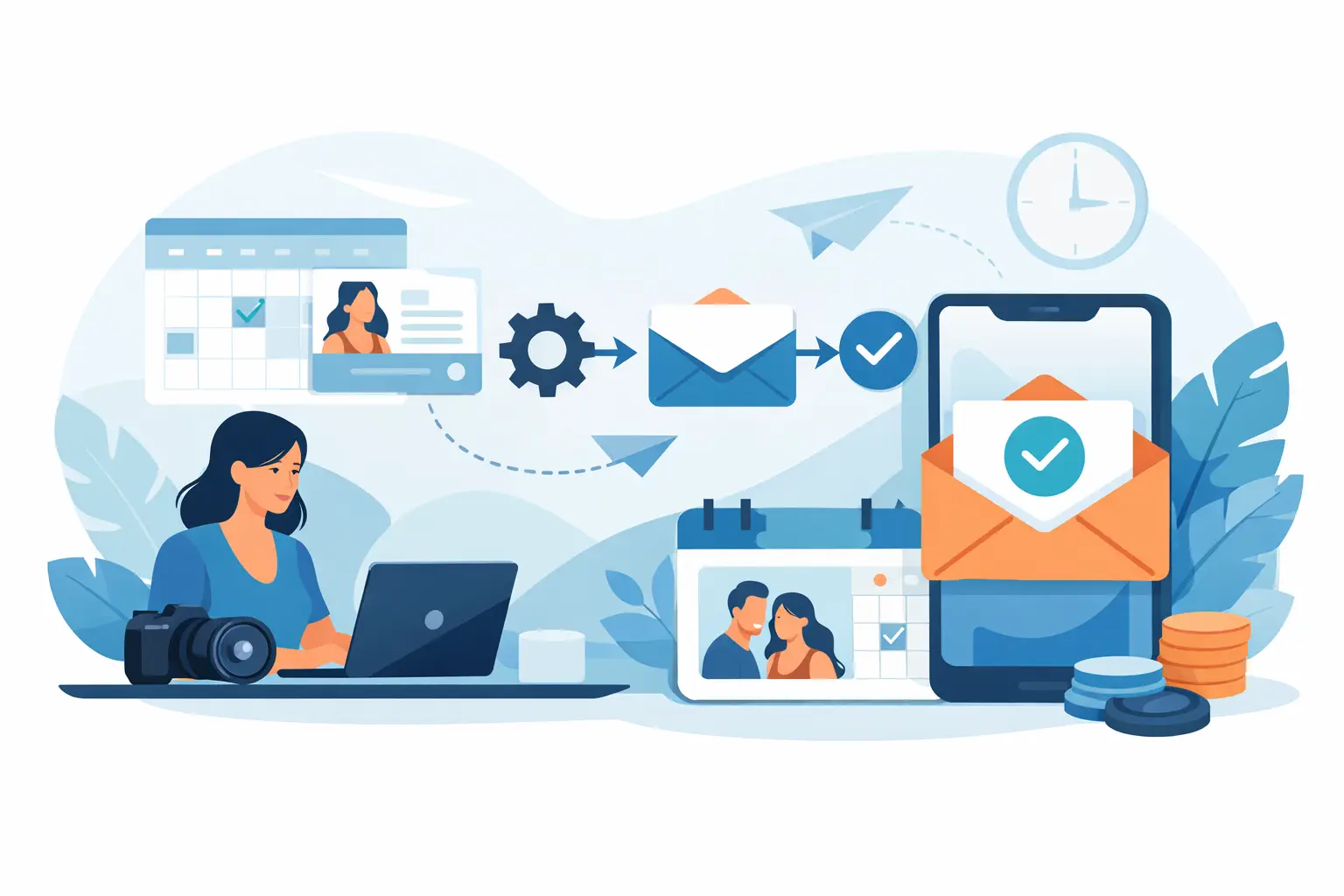
A client books a session, pays a deposit, and then hears nothing for six hours because you are shooting, with another client, or simply away from your inbox. That gap feels small on your side. On the client side, it can create doubt fast. If you want to automate session confirmation emails, the goal is simple: reassure clients immediately, confirm the details clearly, and reduce the follow-up work that eats into your day.
For appointment-based businesses, confirmation emails do more than acknowledge a booking. They set expectations. They make the booking feel real. They give clients one place to check the date, time, location, and next steps without messaging you for basics you already answered once.
Why automate session confirmation emails at all?
Manual confirmation emails seem manageable when bookings are light. Once your calendar fills up, they start creating small cracks in the client experience. Some clients get a polished response right away. Others get a delayed message between appointments. A few might get a quick note with missing details because you were rushing.
Automation fixes consistency first. Every booked client gets the same timely confirmation, whether they scheduled at 10 a.m. or 10 p.m. That matters if you sell sessions, premium appointment slots, or time-sensitive availability. A fast confirmation gives clients confidence that their booking went through and that your business runs professionally.
It also protects your time. If you are still sending confirmations one by one, you are repeating the same work: confirming the session type, payment status, date, time, and what happens next. That is exactly the kind of admin worth removing.
There is another benefit people often overlook. A well-built confirmation email reduces preventable confusion before it starts. Clients are less likely to ask where to go, what to bring, whether their deposit was received, or how to reschedule if the answer is already in their inbox.
What a good automated confirmation email needs
If your email only says, “You’re booked,” it is automatic, but not especially useful. The best confirmation emails are clear, short, and specific.
Start with the essentials. The client should immediately see what they booked, when it is happening, and where it takes place if location matters. If a deposit was paid, say so plainly. That single line can prevent a surprising amount of back-and-forth.
Then include only the next-step details that are genuinely helpful. For a photography session, that might mean arrival timing, wardrobe guidance, or a note on how the session will begin. For other appointment-based services, it may be prep instructions, parking details, or your cancellation window. Keep it focused. The confirmation email should reduce friction, not become a wall of text.
Tone matters too. This is one of the first transactional messages many clients will receive from you. It should feel polished and calm, not cold or overly scripted. A short, confident message usually works better than trying to sound overly friendly or promotional.
How to automate session confirmation emails without making them feel generic
The main mistake is treating automation like mass marketing. A session confirmation email is not a newsletter. It should feel tied to a real booking made by a real client.
That starts with using the right booking data in the message. The client’s name, session type, appointment date and time, deposit status, and business contact details should populate automatically from the booking itself. When those details are dynamic, the email feels relevant because it is relevant.
The second piece is timing. Send the confirmation immediately after booking and payment, or immediately after booking if payment is handled another way. Delayed automation creates the same uncertainty as manual follow-up, which defeats the point.
The third piece is message discipline. Do not pack the email with offers, unrelated announcements, or five different calls to action. The client just booked. They want confirmation, not marketing.
The simplest workflow to set up
For most small service businesses, the strongest workflow is also the simplest one. A client chooses a session, picks a time, completes the booking form, pays the deposit if required, and receives an automatic confirmation email right away.
That flow works because each step supports the next. The booking captures the details. The deposit adds commitment. The confirmation email closes the loop and reassures the client that everything is set.
Where businesses get into trouble is stitching together too many tools. If booking, payment, and email all live in separate systems, automation becomes fragile. Details go missing. Payment status does not sync correctly. Clients receive generic messages that leave out key information.
A cleaner setup keeps booking details, deposits, and confirmation messaging connected in one workflow. That is often the difference between automation that saves time and automation that quietly creates more cleanup later.
What to include in your automated email template
A strong template usually follows a simple order.
Open with confirmation in plain language. Let the client know the session is booked. Follow that with the session type, date, and time so the key details are impossible to miss.
Next, confirm payment status. If a deposit was collected, say the deposit has been received. If there is a remaining balance due later, mention when that will be handled if relevant. This is especially useful for businesses that rely on deposits to protect reserved time.
After that, include practical next steps. Keep them short and specific to the appointment. If the client needs to arrive early, complete a prep step, or reply with anything before the session, say it clearly.
Close with a simple support line. Let them know how to reach you if they need to make a change or ask a question. Even with good automation, clients still want to know there is a real person behind the booking.
Common mistakes when you automate session confirmation emails
One common issue is sending too much information. If clients have to hunt for the date and time inside three long paragraphs, the email is working against you. The details that matter most should be visible right away.
Another is sending too little. A bare confirmation with no location, no payment note, and no next steps often leads to follow-up messages you were trying to avoid in the first place.
There is also the problem of poor trigger logic. If the confirmation sends before the booking is actually complete, or before a deposit is paid, you can create confusion. Clients may think they are fully confirmed when they are still missing a step. Your automation should match your actual booking policy.
Finally, keep your template updated. If your hours, prep process, cancellation window, or contact details change, your automated emails need to change too. A confirmation email is only helpful when it reflects your current process.
Why this matters for client experience
Clients judge the booking experience quickly. Not in a dramatic way, but in a practical one. If the process feels clear and organized, they trust the appointment more. If it feels patchy, they start double-checking everything.
That trust matters even more when clients are booking services built around time and personal attention. A polished confirmation email tells them the session is handled. It reduces uncertainty before they ever arrive.
It also supports the rest of your communication. Reminders work better when the original confirmation was clear. Deposit expectations feel more natural when they were stated upfront. Rescheduling conversations are easier when clients already know the basics of your policy.
This is why confirmation emails should not be treated like a small admin detail. They are part of the booking experience itself.
Choosing the right tool for the job
If your current process requires manual follow-up, copied templates, or checking multiple systems before you can confirm a session, it is probably too complicated for the stage of business you are in.
For most solo operators and small teams, the right setup is one that connects bookings, deposits, and client communication without extra overhead. Revenue Studio is built around that kind of workflow, so confirmations happen as part of the booking process rather than as another task to remember later.
That said, the best tool is not necessarily the one with the most features. It is the one that reliably sends the right message at the right time and keeps your booking experience clear for clients.
If you are setting this up now, start small. Build one clean confirmation email. Make sure it pulls in the correct booking details. Confirm payment status clearly. Send it immediately after a session is booked. Then review the client questions you still get and tighten the template from there.
A good automated confirmation email does not need to be clever. It needs to be timely, accurate, and easy to understand. When that part is handled well, your business feels more organized, your clients feel more confident, and your schedule stays protected with less effort from you.